
WebKora
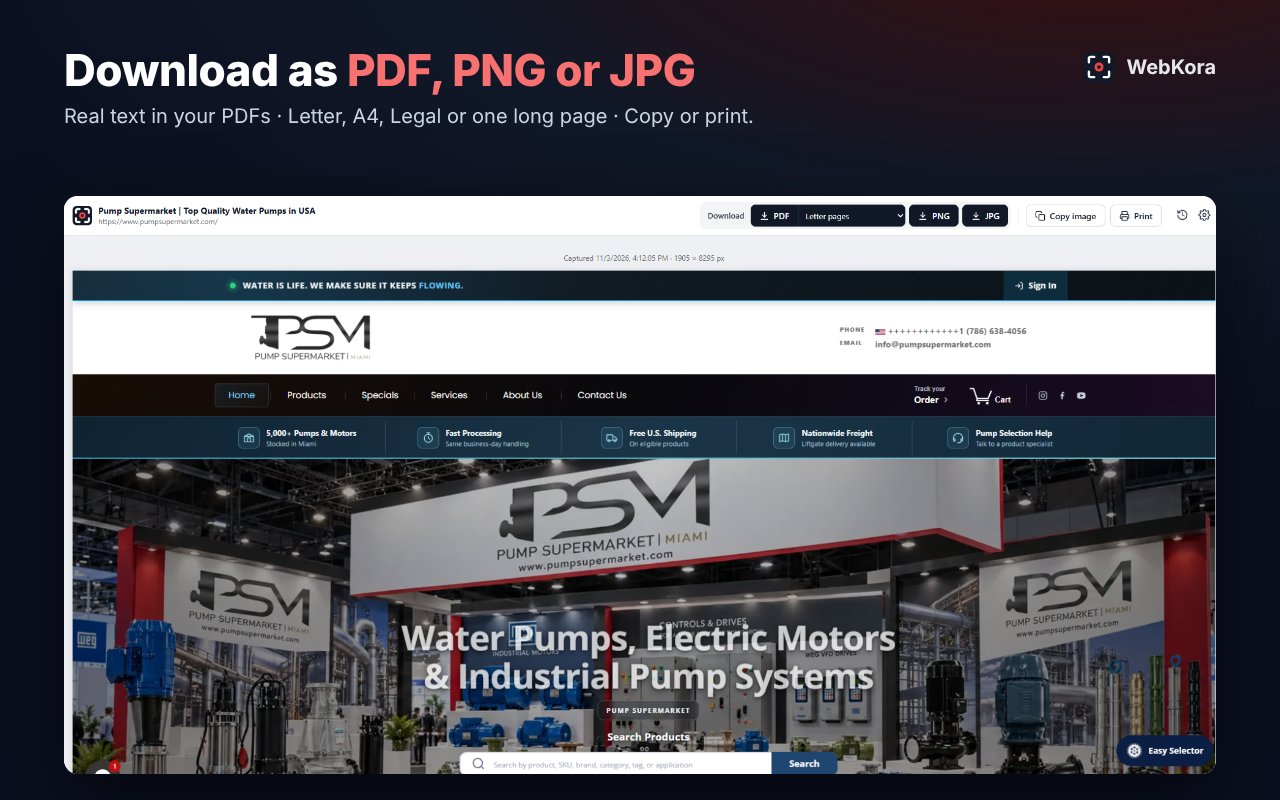
A small Chrome extension to save web pages the way you see them — as PDF, PNG or JPG — and to download the images on a page.
What it does
- Full page — the whole page, top to bottom. PDFs keep real, selectable text.
- Capture section — hover any block of the page and click it.
- Snip — drag to select any area and save it in high resolution.
- Images — download any image on the page in its original size, or all of them at once.
- History — your recent captures, kept on your computer.
Privacy
WebKora works entirely inside your browser. No accounts, no servers, no tracking. Read the privacy policy.
Contact
Questions or suggestions: slbarriosdev@gmail.com