
WebKora
A small Chrome extension to save web pages the way you see them — as PDF, PNG or JPG — and to download the images on a page.

What it does
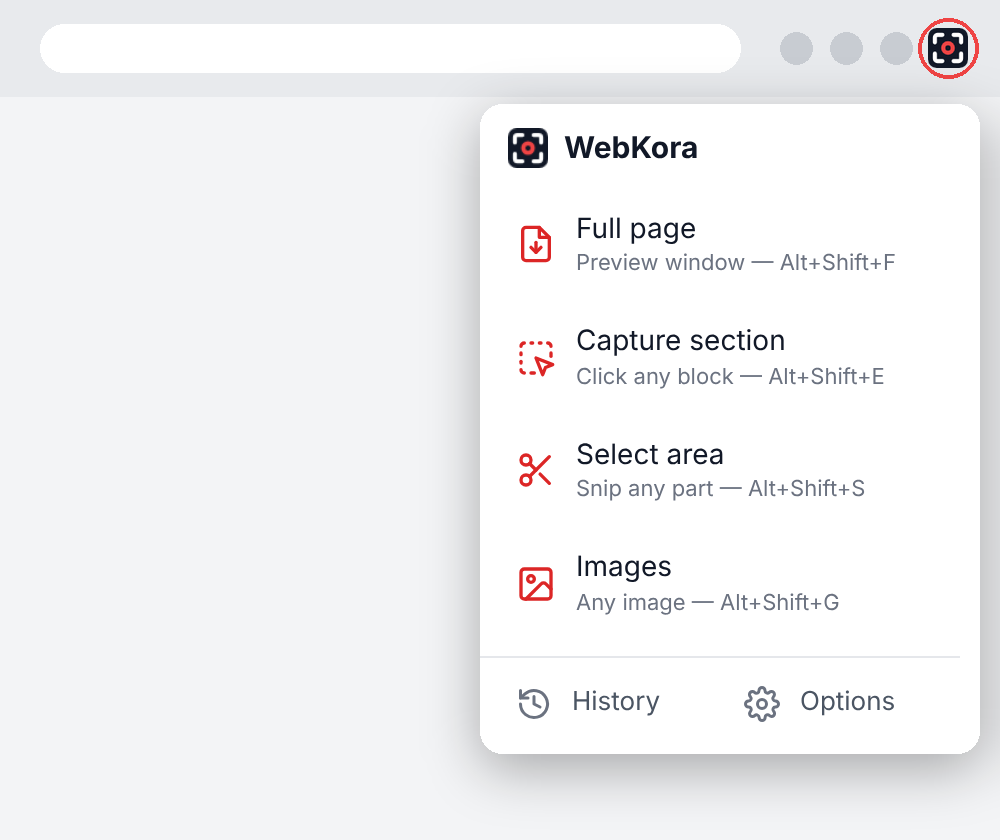
Full page
Saves the entire web page, from the top to the very bottom — not just the part you see on screen. It opens in a preview where you choose PDF (as one long page, or split into Letter, A4 or Legal pages), PNG or JPG. In the PDF the text stays real text, so you can select it, copy it and search it. It also works on pages that scroll inside a box, like chats, webmail or dashboards.
Capture section
Saves just one part of the page: a product, an article, a table, a comment… Move the mouse over the page and WebKora outlines each block in red; click the one you want. Use the ↑ key to grow the selection to the block that contains it, and ↓ to go back.
Snip
Works like a snipping tool: drag a rectangle over any area of the page. When you release the mouse, the "Save as" window opens so you choose the name, the folder and the format (PDF, JPG or PNG). It is saved at up to 3× screen resolution, so small text stays sharp.
Images
Downloads the images of the page as the original files — usually larger and sharper than what the page shows. Hover any image (even background images or images covered by links) and click to download it, or open "Show all images" to see every image with its real size and type, filter them and download several at once.
History
Keeps your recent captures and downloaded images on your computer, with thumbnails. Search them, filter by type, open them again, download them in another format or delete them. You choose how many to keep.
Privacy
WebKora works entirely inside your browser. No accounts, no servers, no tracking. Read the privacy policy.
Contact
Questions or suggestions: slbarriosdev@gmail.com